Exploration

The Little Garden
A pixel garden with four crystals to wake up. Movement, animation, collisions, counters and a win screen.
TECNOASTRA / 2D GAME ENGINE
PyBlocks is a 2D game engine for Windows. Build the scene, program it with blocks, animate, light it and export a game that runs on any PC. No code required, and Python whenever you want it.
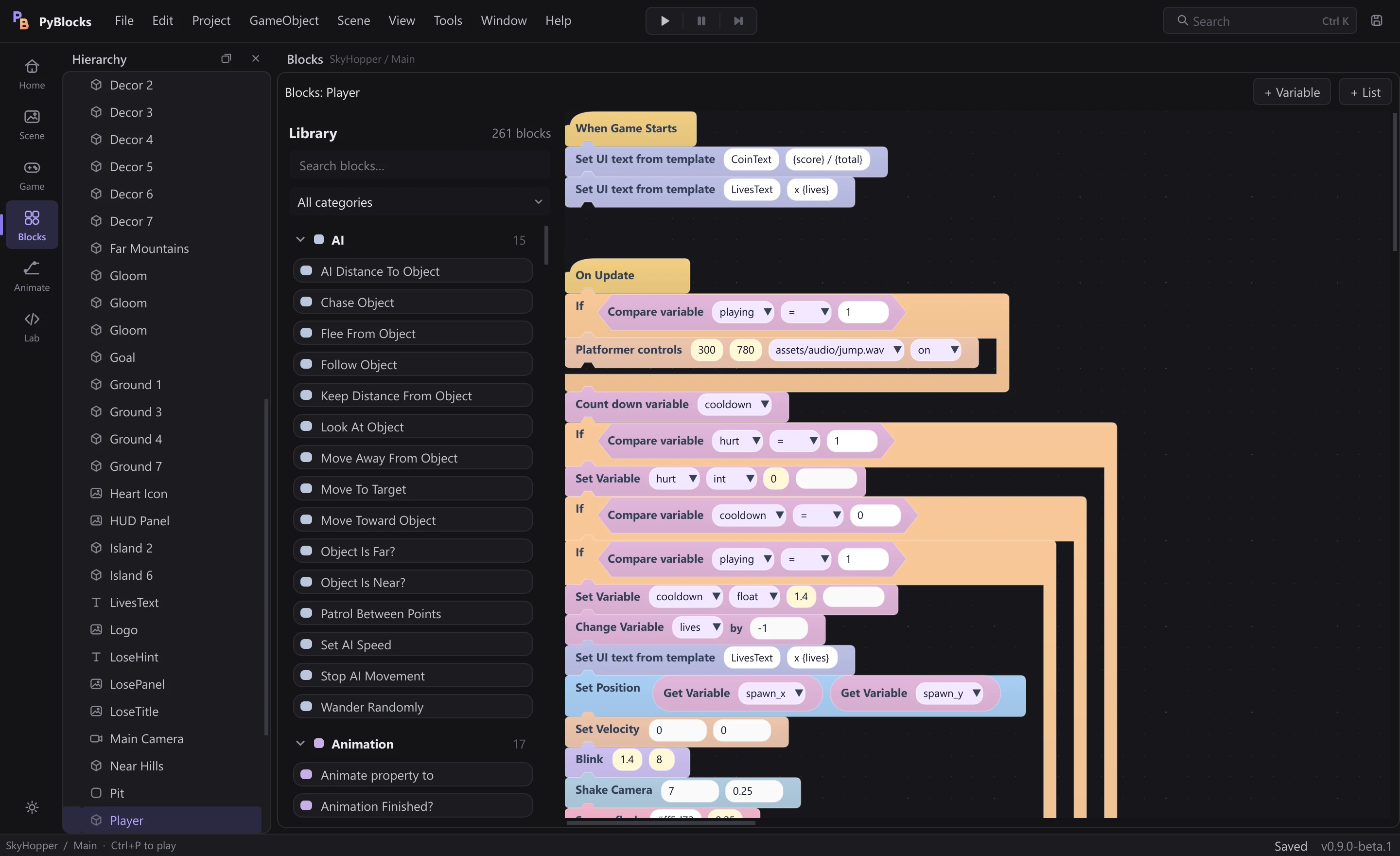

Everything on this page is real: every image is a capture of the engine. The editor, the blocks and the games were drawn by PyBlocks itself.
EXAMPLE GAMES
They ship with PyBlocks. Open one from Home, press Play, then open its blocks to see exactly how it works. Each one comes with its own original font.
A pixel garden with four crystals to wake up. Movement, animation, collisions, counters and a win screen.
Run, jump and stomp across sunset islands. Controls with coyote time, a smooth camera, HUD, lives and checkpoints.

The classic with a neon glow. Grid movement, a growing tail, rising speed and a best score.

A small creature-taming RPG in a medieval world at dusk: dialogue, turn-based battles to tame beasts, menus and dynamic lights.
HOW A GAME GETS MADE
Place objects, sprites, text and cameras. Move, scale and rotate them with the gizmo and fine-tune everything in the Inspector.
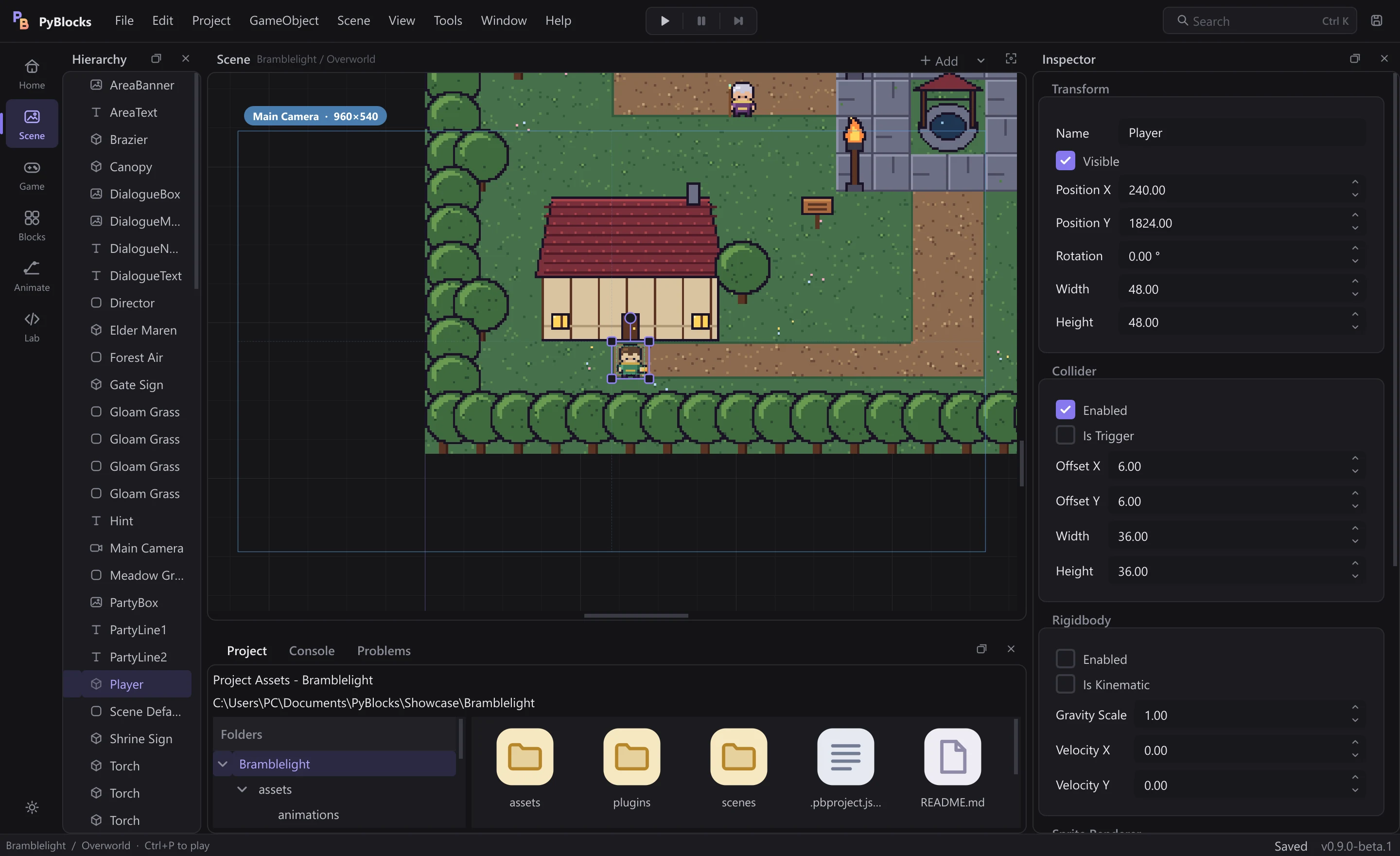
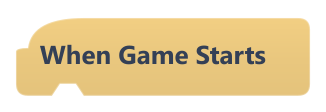
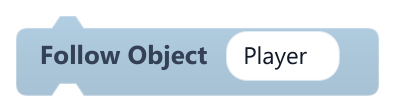
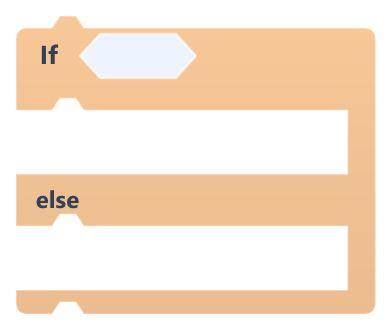
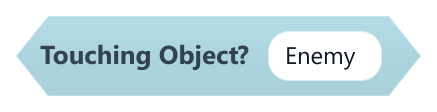
Every object has its own script. Snap events, actions, conditions and values together: blocks click softly when they connect and warn you about mistakes before you play.
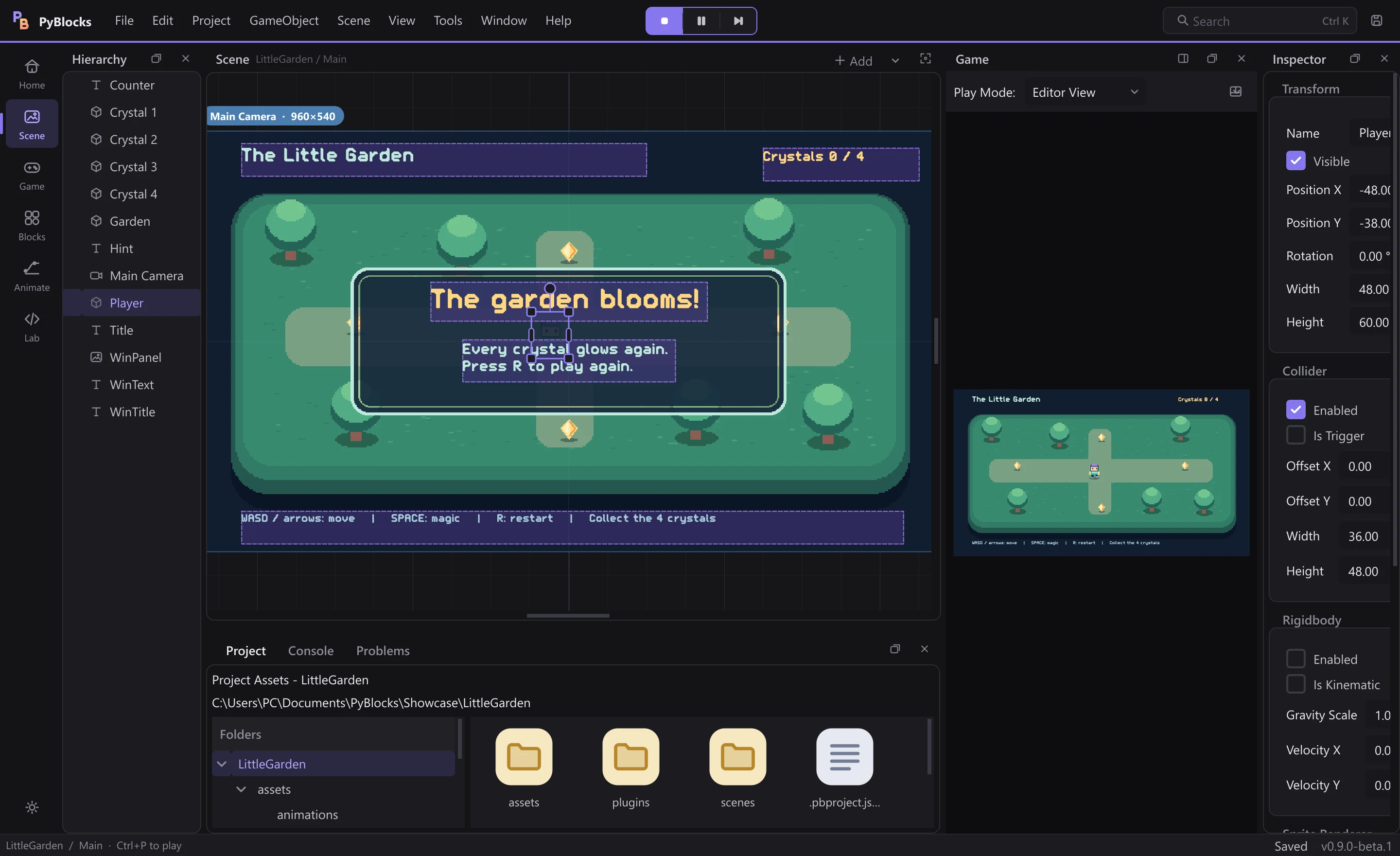
The game runs inside the editor at 60 fps. Pause it, step frame by frame and put the Game view wherever you like: right, bottom or its own window.
WHAT'S INSIDE
The Animator records position, rotation and size keyframes on any object, even a plain square. If you have sprites, add their frames on the same timeline. Clips are saved as .pbanim.json.
Animation guide →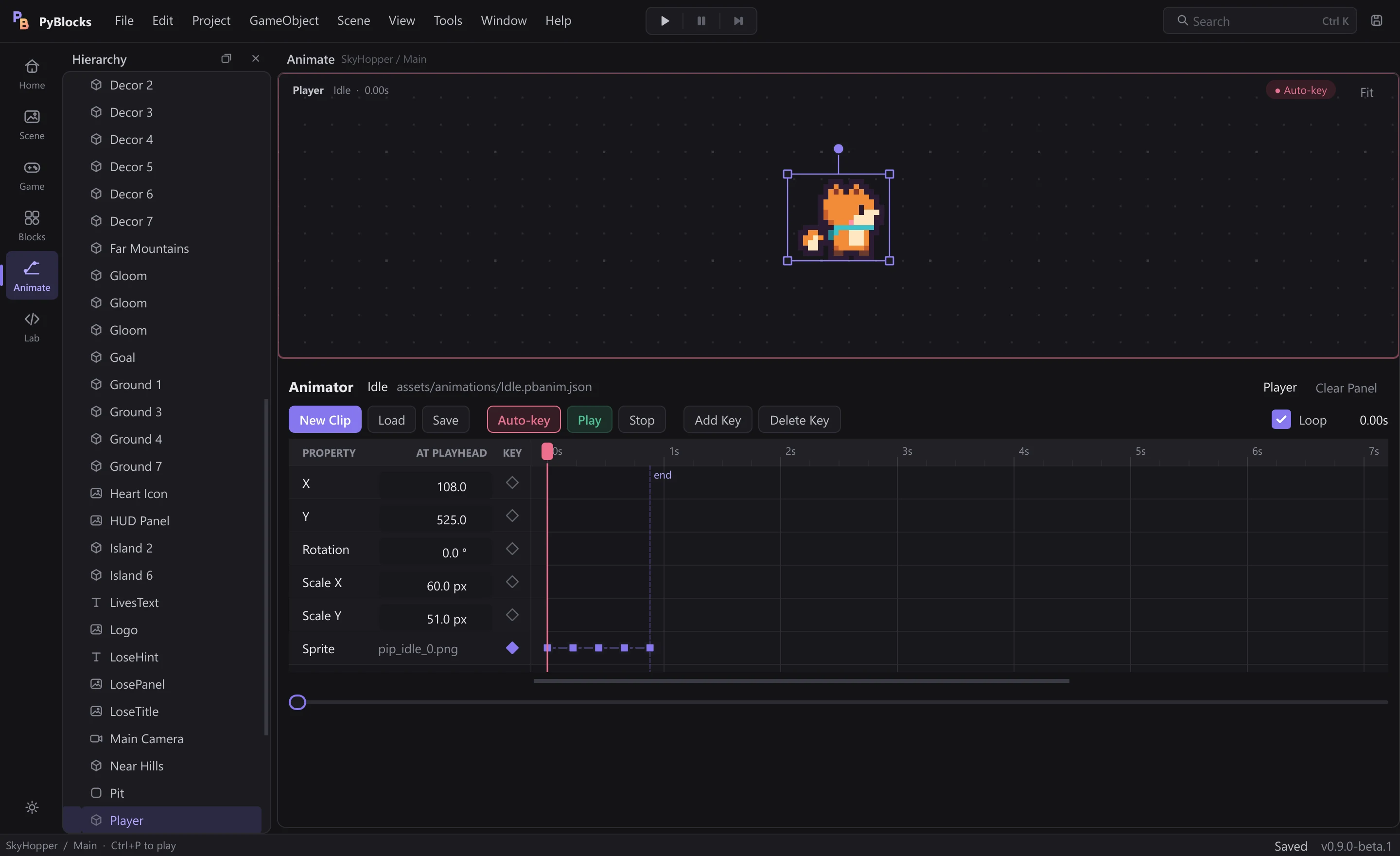
Ambient darkness, point lights that flicker like torches, vignette, color grading and retro scanlines. Drag to compare Bramblelight's shrine before and after its lights come on.
Effects and lighting →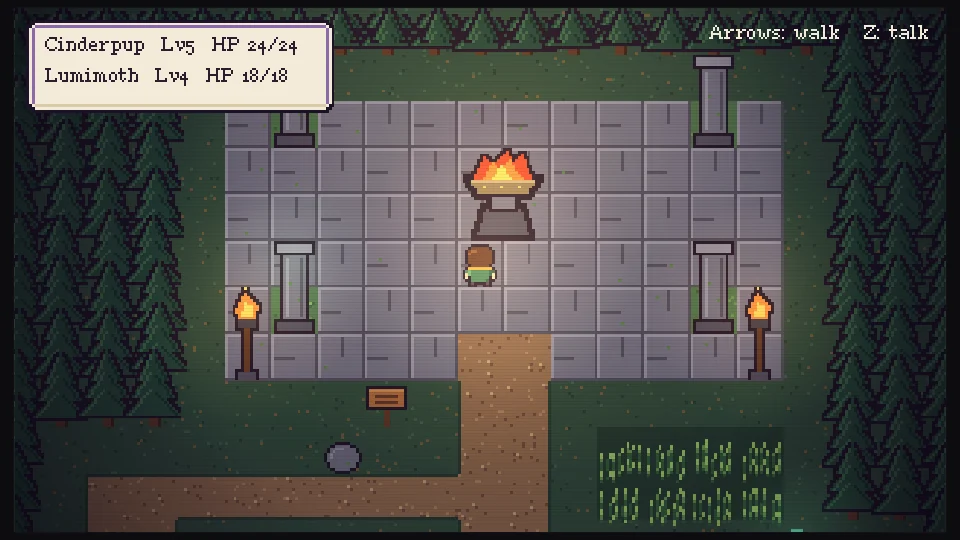
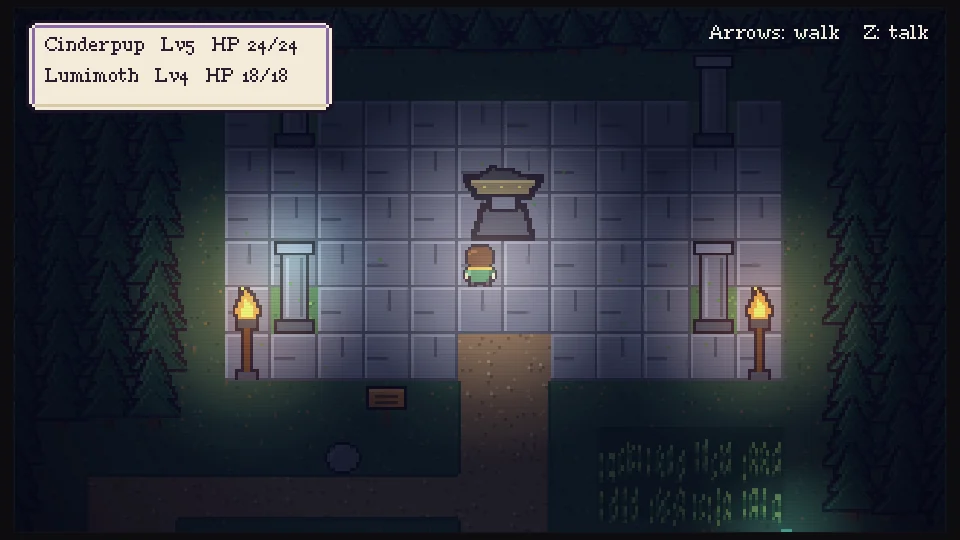 Lights offLights on
PyBlocks Lab (Ctrl+Shift+L) lets you write new blocks in Python, package them as .pbblock files and share them. Third-party code never runs without your confirmation.
PyBlocks Lab →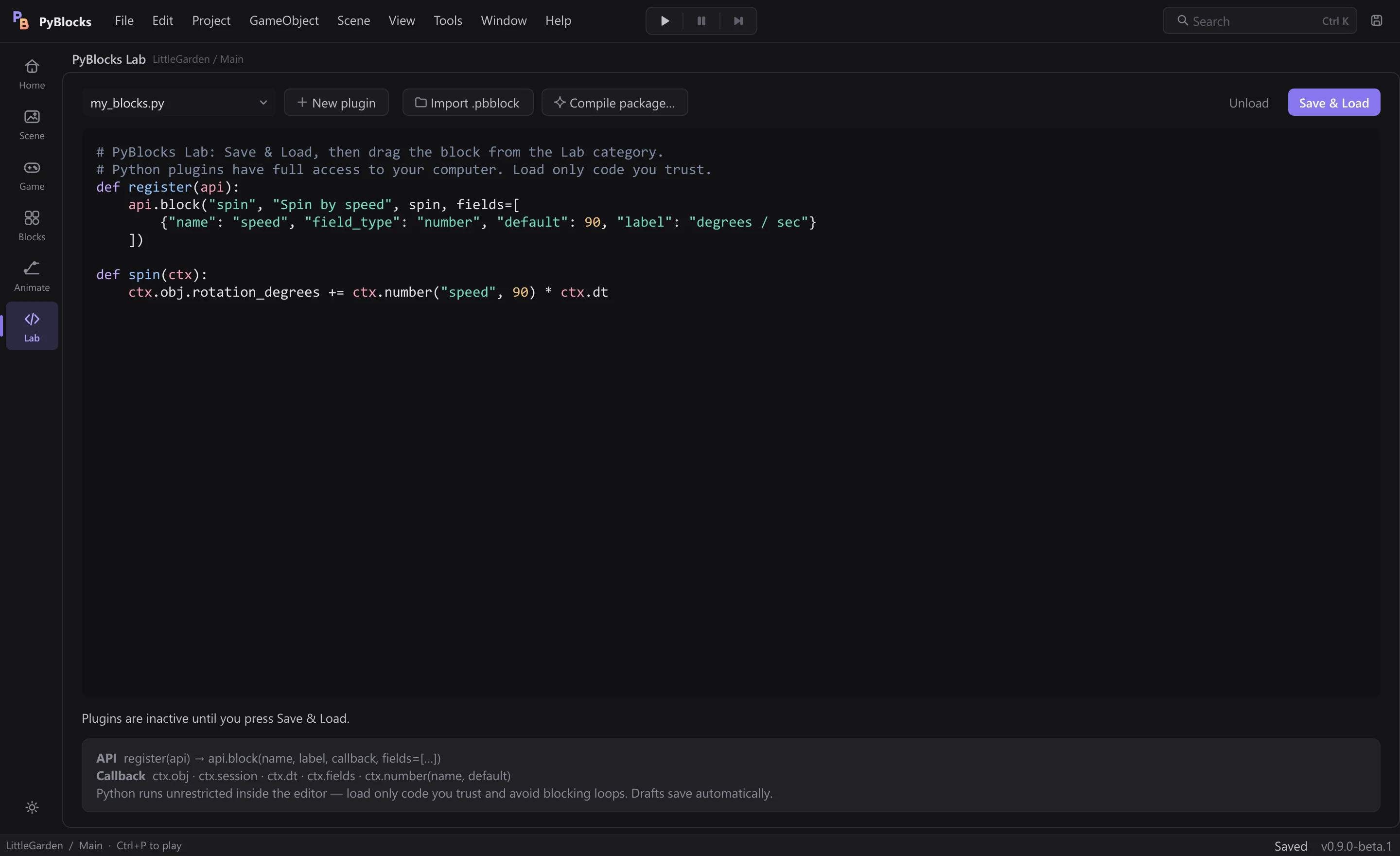
Your game ships as a Windows program you can share. Players don't need Python or PyBlocks.
Import .ttf or .otf files into the project, pick them in the Inspector and swap them mid-game with a block.
Bursts, emitters, shockwaves, flashes and camera shake, ready to use.
Ctrl+Z and Ctrl+Y in the scene, the blocks and the Animator.
Dockable panels like the big engines, light or dark theme and shortcuts for everything.
The Problems panel flags block errors before you play, and Help → Report a problem packs a report to send us.
REFERENCE
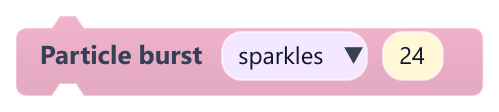
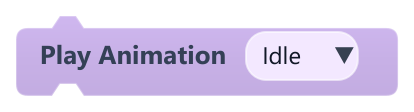
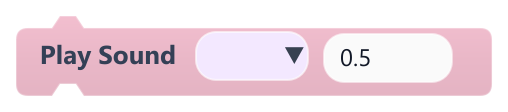
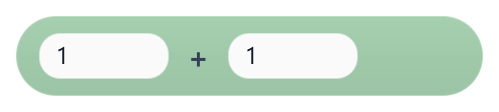
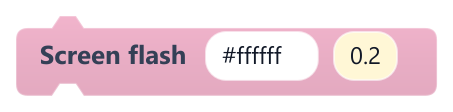
Every block has its entry in the docs: what it does, what each field means and an example. The images are the blocks exactly as the editor draws them.


DOWNLOAD
PyBlocks is in open beta. It helps us a lot when you try it and tell us what you liked, what got in your way and what game you made.
Download PyBlocks 0.9.0-beta.1 · 88 MBTo send feedback: in PyBlocks, Help → Report a problem packs a .zip with your description and the logs. Send it to contact@tecnoastra.com.
Installation guide →5560161d4a735f63190621e2b97ec2385ff7325056a255def3faddd3478bd041