BLOCK REFERENCE / LOOKS
Looks
Visibility, opacity, color, sprite and draw order.
11 blocks
#Blink
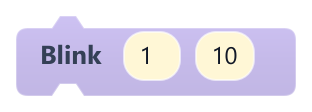
Makes the object flash on and off for a number of seconds.
The object alternates between its normal opacity and 20% of it, then returns to its previous opacity. Seconds 0 stops a blink in progress. Opacity changes made during the blink are overwritten.
| Field | What it means |
|---|---|
secondsnumber | How long it blinks, 0-60 seconds.Default: 1 |
ratenumber | Flashes per second (0.5-60).Default: 10 |
Example After the player takes damage, blink for 1.5 seconds while invulnerable.
#Change Sprite
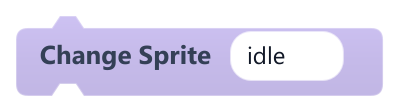
Shows a named slice of the object's current image, as defined in the Tile Editor.
The name must match a slice exactly (case-sensitive). If no slice has that name, the whole image is shown. To switch to another image file, use Set sprite image.
| Field | What it means |
|---|---|
Spritetext | Name of the slice to show.Default: idle |
#Flip X
Mirrors the object horizontally, toggling each time it runs.
Running it twice returns to normal. Only the drawing is mirrored.
#Flip Y
Mirrors the object vertically, toggling each time it runs.
Running it twice returns to normal. Only the drawing is mirrored.
#Hide
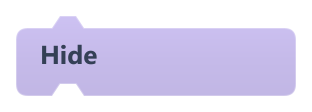
Hides the object and its child objects.
A hidden object still runs its scripts and collides, but cannot be clicked. Use Show to make it visible again.
#Set Color
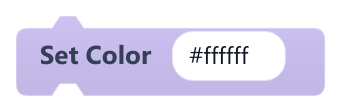
Sets the object's color.
On objects without an image it fills the shape with a semi-transparent color; #ffffff restores the default look. On objects with an image, any color other than #ffffff currently paints a solid rectangle over the whole object instead of tinting it.
| Field | What it means |
|---|---|
Colortext | Hex color like #ff4040, or a color name.Default: #ffffff |
#Set Layer Order
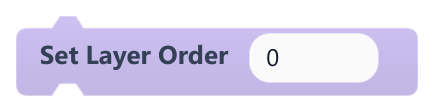
Sets the object's drawing order: higher numbers are drawn on top.
Decimals are cut to whole numbers and negative values are allowed. When objects overlap, the one on top is the one that receives clicks.
| Field | What it means |
|---|---|
Ordernumber | Layer number. Accepts a number or a reporter.Default: 0 |
Ordersocket | Layer number. Accepts a number or a reporter.Default: number, any |
#Set Opacity
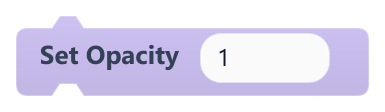
Sets how opaque the object is, from 0 (invisible) to 1 (fully opaque).
Values outside 0-1 are clamped. A fully transparent object still runs scripts and collides.
| Field | What it means |
|---|---|
Opacitynumber | Opacity from 0 to 1. Accepts a number or a reporter.Default: 1 |
Opacitysocket | Opacity from 0 to 1. Accepts a number or a reporter.Default: number, any |
#Set sprite image
Changes the image this object shows.
Any slice chosen with Change Sprite is cleared. If no image is chosen, the game stops with an error. An animation with image keyframes can change the image again.
| Field | What it means |
|---|---|
imagedropdown | An image from the project's assets. |
Example Swap a closed door image for an open one when the player has the key.
#Show
Shows the object again after Hide.
If a parent object is hidden, this object stays hidden too.
#Stop Animation
Stops this object's animation and rewinds it to the start.
The object keeps its current pose. It does the same as Stop Animation in the Animation category.