BLOCK REFERENCE / CONTROL
Control
Conditions, loops, waits and clones.
15 blocks
#Break
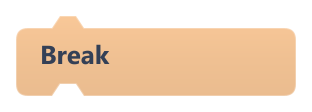
Leaves the nearest loop right away and continues with the block after it.
Works in Repeat, Repeat Until and Forever, also from inside an If. Outside a loop it does nothing.
#Clone Object
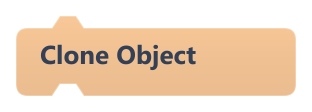
Creates a copy of this object named <name> Clone, 20 pixels to the right and 20 pixels down.
The copy is built from this object's scene setup (scripts, starting variable values, sprite, collider) and appears at the end of the frame, when its On Object Spawned runs. Copies cannot clone themselves: on them this block does nothing.
#Continue
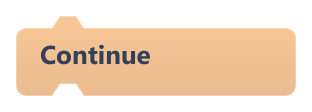
Skips the rest of the current loop pass and goes on to the next one.
In Forever it ends this frame's pass and the loop runs again next frame. Outside a loop it does nothing.
#Destroy Object
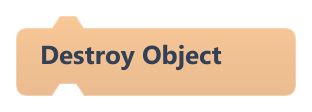
Removes this object from the game and stops the current script.
The object disappears at the end of the frame; the blocks after this one do not run.
Example In a bullet's On Collision Enter, so it vanishes when it hits something.
#Forever
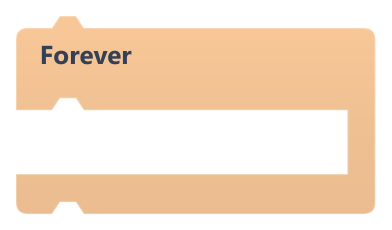
Runs the blocks inside once every frame, for as long as the game plays.
Unlike Repeat, it waits for the next frame between passes, so it never freezes the game. Blocks attached below it never run unless a Break leaves the loop.
| Field | What it means |
|---|---|
Bodybody | Blocks to run every frame. |
#If
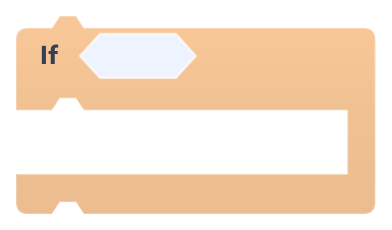
Runs the blocks inside only when the condition is true.
| Field | What it means |
|---|---|
Conditionsocket | A boolean block. When the slot is empty the condition counts as false.Default: boolean |
Bodybody | Blocks to run when the condition is true. |
#If Else
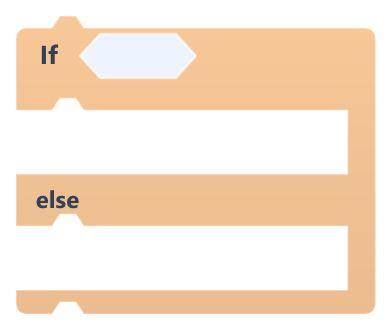
Runs the first group of blocks when the condition is true, and the second group when it is false.
| Field | What it means |
|---|---|
Conditionsocket | A boolean block. When the slot is empty the condition counts as false.Default: boolean |
True Bodybody | Blocks to run when the condition is true. |
False Bodybody | Blocks to run when the condition is false. |
#Repeat
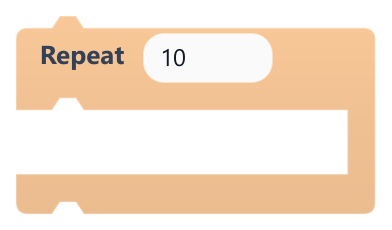
Runs the blocks inside a set number of times, all within the same frame.
Decimals are dropped and 0 or less skips the loop. Put a Wait inside to spread the passes over time. Huge counts can hit the per-frame safety limit, which stops the game with an error.
| Field | What it means |
|---|---|
Timesnumber | How many times to run the blocks inside.Default: 10 |
Timessocket | How many times to run the blocks inside.Default: number, any |
Bodybody | Blocks to repeat. |
Example Repeat 5 times Clone Object to spawn a row of copies.
#Repeat Until
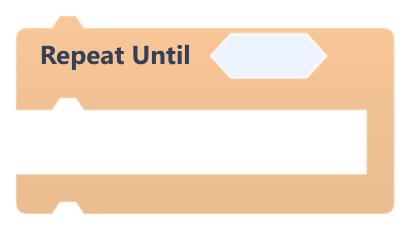
Runs the blocks inside again and again until the condition becomes true.
The condition is checked before each pass. Passes run within the same frame, up to 1000 per run; after that the script moves on even if the condition is still false. Add a Wait inside to spread passes over several frames.
| Field | What it means |
|---|---|
Conditionsocket | A boolean block. When the slot is empty the condition counts as false.Default: boolean |
Bodybody | Blocks to repeat. |
#Restart game
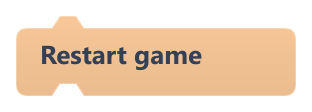
Restarts the game instantly from the scene's starting state.
It happens at the end of the current frame: every object is rebuilt and the start scripts run again. Global variables go back to the values the scene started with; values kept by Remember best score survive.
Example On a Game Over screen, restart when the player presses enter.
#Return
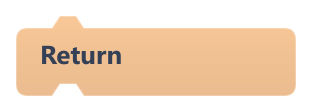
Ends the current script, exactly like Stop Script.
Custom blocks do not run yet, so there is no function to return from: the script simply stops.
#Stop All
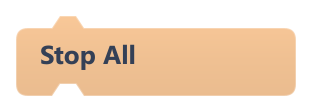
Stops the whole game: every script, the physics and all sounds halt.
Play ends and nothing updates until you run the game again. To start over instead, use Restart game.
#Stop Script
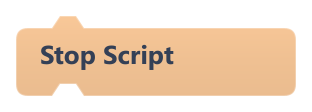
Ends the current script; other scripts keep running.
Inside On Update the script starts again next frame; only this run stops.
#Wait
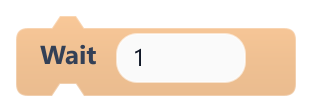
Pauses this script for a number of seconds, then continues with the next block.
Other scripts keep running. While the script waits, its hat does not start it again: an On Update script resumes after the wait instead of restarting every frame. 0 or less does not wait.
| Field | What it means |
|---|---|
Secondsnumber | Time to wait, in seconds (decimals allowed).Default: 1 |
Secondssocket | Time to wait, in seconds (decimals allowed).Default: number, any |
#Wait for key
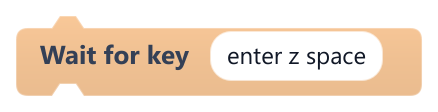
Pauses this script until one of the listed keys is pressed.
Only a new press counts, from the frame after the block starts, so a key that is already held does not skip it. The supported keys are the same as in On Key Pressed. With no keys the game stops with an error.
| Field | What it means |
|---|---|
keys (space separated)text | Key names separated by spaces or commas, e.g. enter z space.Default: enter z space |
Example Show a title screen, wait for enter, then load the first level.