BLOCK REFERENCE / INPUT
Input
Axes and actions: the player's horizontal and vertical direction and action buttons.
4 blocks
#Get Action Down
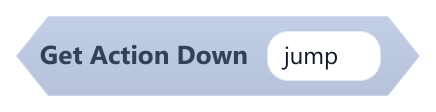
True when a key of the named action was pressed in this frame (only for that one frame).
Built-in actions: jump, fire and attack (Space), submit (Enter or Space), cancel (Escape), left (Left or A), right (Right or D), up (Up or W), down (Down or S). Any other name is used as a key name, e.g. z.
| Field | What it means |
|---|---|
Actiontext | Action or key name (not case-sensitive).Default: jump |
Example If Get Action Down jump inside On Update, to jump once per press.
#Get Action Pressed
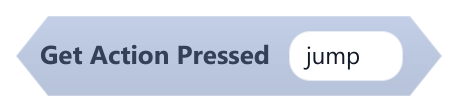
True when any key of the named action is being held down.
Built-in actions: jump, fire and attack (Space), submit (Enter or Space), cancel (Escape), left (Left or A), right (Right or D), up (Up or W), down (Down or S). Any other name is used as a key name, e.g. z.
| Field | What it means |
|---|---|
Actiontext | Action or key name (not case-sensitive).Default: jump |
#Get Axis Horizontal
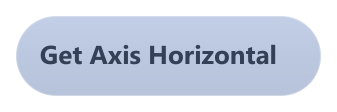
Returns -1 while Left or A is held, 1 while Right or D is held, and 0 otherwise.
Holding both directions gives 0.
Example Multiply it by 5 and plug it into Move X By inside On Update.
#Get Axis Vertical
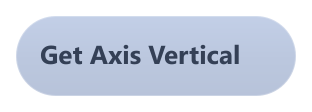
Returns -1 while Up or W is held, 1 while Down or S is held, and 0 otherwise.
Positive means down, matching the y axis, which grows downward. Holding both directions gives 0.