PYBLOCKS / DOCS
Example projects
Four complete games ship with PyBlocks. Play them, then open their blocks to see exactly how each one works.
#Open an example
The examples ship read-only inside PyBlocks. Opening one always gives you your own editable copy, so the originals stay intact.
- From Home: click an example card. PyBlocks copies it into
Documents\PyBlocks(adding a number such asLittleGarden 2if the folder already exists) and opens it. - From the menu:
File → Open Example...asks which example to copy and where to put it.
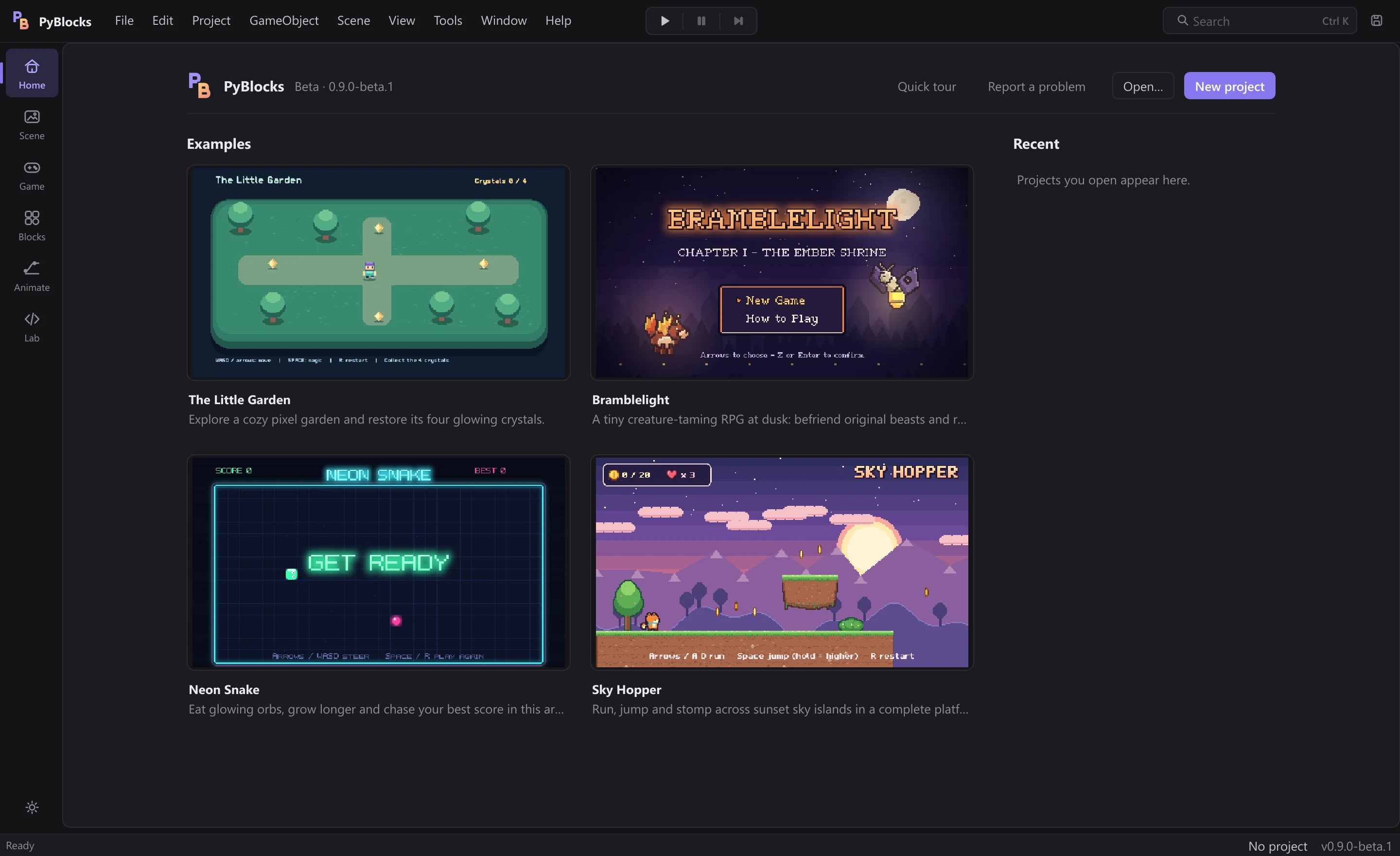
Press Ctrl+P to play, then select an object and open the Blocks workspace (Ctrl+4) to read its scripts. All art, sounds and fonts in the examples are original, generated by PyBlocks, and free to reuse in your own games.
#The Little Garden

A cozy exploration game with an animated character, and the project that File → New Project creates. Move with WASD or the arrows, collect the four crystals to make the garden bloom, press Space for a magic burst and R to play again.
- Movement plus animation:
PlayerusesMove with WASD / arrowsand theIdle/Walkclips, which you can edit in the Animate workspace. - Collision events (
On Collision Enter) and a crystal counter shared between objects (Change variable of object,Set UI text from template). - A win screen and
Restart game. - A sample Python plugin: open
my_blocks.pyin PyBlocks Lab and pressSave & Loadto activate theSpin by speedblock.
#Sky Hopper

A side-scrolling platformer at sunset. Left/Right or A/D run, Space, Up, W or Z jump (hold for a higher jump). Collect the 20 coins, stomp the Glooms by landing on them, avoid spikes and pits, ride the cloud lifts, touch the checkpoint and reach the flag. You have three lives; R restarts.
Platformer controlswith coyote time, jump buffer, short hops, moving platforms andIdle/Run/Jump/Fallclips.- Enemies with
Patrol back and forth, stomps withLands on meandLaunch upward. - A smooth camera (
Follow object smoothlyandKeep inside area), a HUD fixed withPin to screenand parallax backgrounds (Parallax with camera). - Lives and invulnerability with
Count down variableandBlink, plus checkpoint, win and game-over screens.
Look at Player for the lives, hurt and win logic, and at Coin, Gloom, Spikes 1 and Goal to see how each object reacts to touching the player.
#Neon Snake

The arcade classic with a neon glow. Arrows or WASD steer; eat the orbs to grow and speed up. Hitting a wall or your own tail ends the run; Space or R plays again, and the best score is remembered.
- Grid movement on the
Snakeobject:Steer on grid (arrows / WASD),Move on gridandGrow trail. Go to random free cellto place the next orb.Compare variable,Remember best scoreandRestart game.
#Bramblelight

A small creature-taming RPG at dusk. Arrows or WASD walk on the grid (tap to turn), Z, Enter or Space talk, read signs and confirm, and X or Esc back out of the move menu in battle. Elder Maren gives you a Cinderpup; walk the dark Gloamwood Road, tame a second beast in the tall grass and light the brazier at the Shrine of Embers to finish Chapter I.
It has four scenes made only of blocks: Main (title menu), Overworld, Battle and Complete. Read the Director objects and the Battle object for the menu and battle logic, Player for grid movement and tall-grass encounters, and the characters (Elder Maren, Warden Tobb, Wren) for dialogue.
- Menus and dialogue:
Choice menuandSay in dialogue box. - Grid movement and interaction:
Walk on grid (arrows / WASD),Is faced byandFinished a grid step. - Battle math:
Random chance %,Calculate,Look up in tableandSet bar. - Global variables that survive scene changes (
Set global variableand{global.name}templates) andFade to scene. - The Lighting blocks: ambient darkness per area, torches, window glows, wisps, a lantern that follows the player, and vignette, color grade and scanline post effects. See Effects and lighting.